AI studio for game assets
Build a world.
Make it yours.
Turn your game brief into art, motion and sound. Guide the direction, refine the details, keep what works.
100 starter credits after confirmation. No card required.

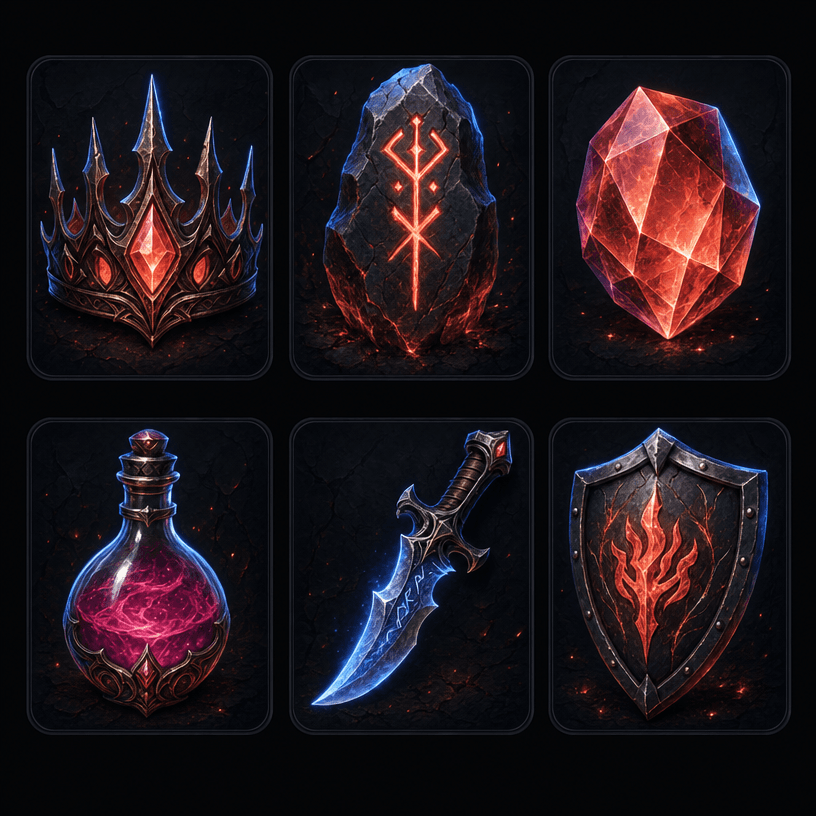
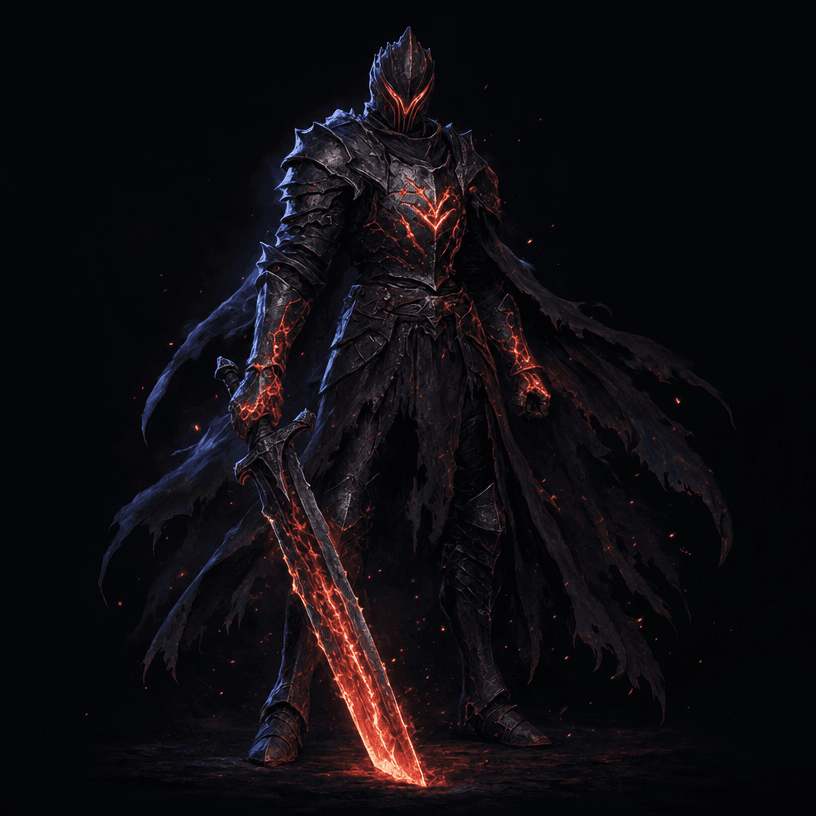
Your direction. A connected workflow.
- 01
Describe the game
Start with a short brief, an existing document or reference images. Choose a visual direction and the assets you need.
- 02
Create, compare, refine
Review the credit estimate, follow production and inspect the results. Ask for a specific change or keep an approved version.
- 03
Bring the files into your game
Download approved assets with organized folders and a manifest. Preview animation timing and test your pack in its intended engine.
From one creative direction
A place for every part of your world.

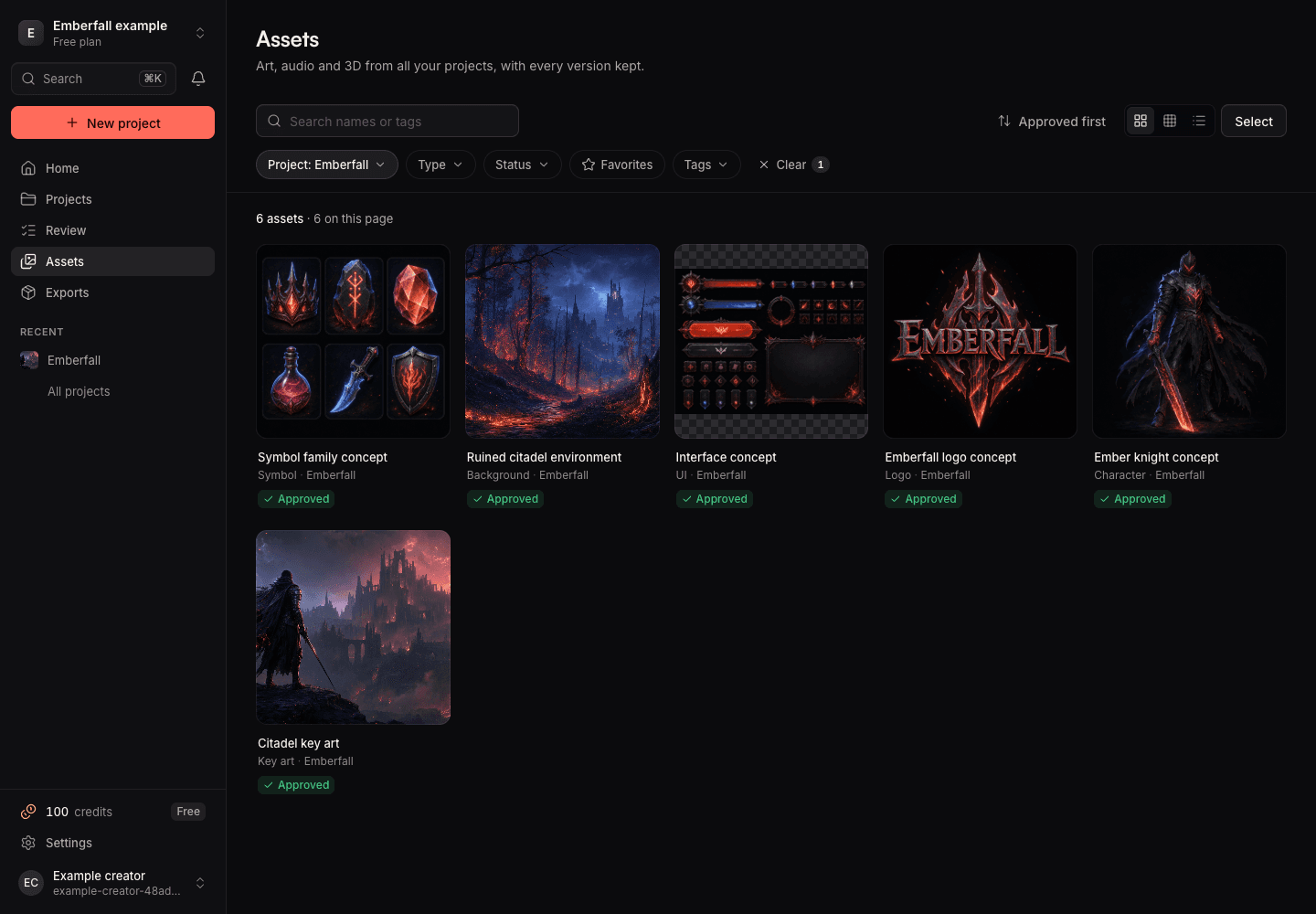
Keep references, characters, props, backgrounds, UI and sound in the same project. Use approved work to guide the next asset, then check that the results fit together.
Keep the work.
Keep your decisions.
The agent works with your brief, saved references and review feedback. Search your library, approve a batch and return to previous versions. Background jobs keep running after you close the tab.
Give your assets another dimension.
- 01
Build motion from an image
Choose actions and directions, inspect a frame strip, correct individual frames, and adjust alignment and timing. Export transparent sequences or packed sprite sheets.
Read the guide - 02
Take a concept into 3D
Start from a prompt or reference images. Inspect textured models, request remeshing or new textures, and add rigs and library animations for supported characters.
Read the guide - 03
Find the sound of your game
Create music, sound effects and voice lines in the project. Listen, request changes and approve the versions you want to use.
Read the guide
Files you can build with.
Export approved versions with their dependencies, names and manifest. Download images, audio, animation frames and model files for use outside Fabrik.
Godot 2D resources are available. Unity 2D import is a preview; the Unreal preset supplies folder and naming conventions. Check the export guide for each format and its limits.
Check export supportStart with your game.
Explore your first project with 100 starter credits after account confirmation. No card required.